

Download Visualboy Advance – Game Boy Advance emulator, VBA-M, RetroArch, ROM files, emulator for Windows
Overview
VisualBoyAdvance (VBA) stands as a longstanding name in the retro gaming community, renowned for its reliability and performance as a Game Boy Advance emulator. Originally released in 2004, the emulator was designed to replicate the experience of playing Game Boy Advance titles on modern systems. Though development on the original VBA ceased in 2004, the project evolved into VBA-M, a more advanced version released in 2009 that introduced enhanced features and compatibility improvements.
VBA-M remains a popular choice for users seeking a lightweight, efficient emulator for Windows. The application allows users to load ROM files and run classic Game Boy Advance games with minimal setup. Its primary purpose is to preserve and provide access to a vast library of retro games that might otherwise be inaccessible.
The target audience includes retro gaming enthusiasts, collectors, and casual players interested in reliving nostalgic titles. While the developer did not provide additional technical details, the emulator’s enduring presence in the gaming ecosystem underscores its value. Real-world use cases include home retro gaming setups, educational demonstrations of older game systems, and personal archives of classic titles.
Despite its age, VBA-M continues to serve as a foundational tool in the emulation landscape.
Key Features & Functionality
- Game Boy Advance Emulation: Accurately replicates the hardware of the original Game Boy Advance, enabling smooth gameplay of supported titles.
- ROM File Support: Compatible with standard Game Boy Advance ROM files, allowing users to load and play their personal game collections.
- Save States: Enables users to save progress at any point in a game, providing flexibility for interrupted sessions.
- Configurable Controls: Offers customizable on-screen and keyboard input mappings to suit different user preferences.
- Enhanced Graphics Options: Includes upscaling and filtering features to improve visual clarity on modern displays.
- Multi-Platform Compatibility via RetroArch: For Mac OS X and Linux users, integration with RetroArch provides access to the VBA-M core, ensuring cross-platform usability.
Each feature is designed to enhance the user experience while maintaining authenticity. For example, save states allow players to pause and resume games without relying on in-game checkpoints, ideal for long gaming sessions. The graphics enhancements make older pixel art more legible on high-resolution screens, improving accessibility.
Customizable controls support both keyboard and external gamepad inputs, making the emulator adaptable to different hardware setups. Users can also adjust audio settings and frame rates for optimal performance. The ability to run ROMs without complex configurations makes VBA-M accessible to both beginners and experienced users.
For educators or developers, the emulator offers a practical tool for studying game mechanics or testing retro game behavior. Although the developer did not list formal performance metrics, the emulator’s lightweight nature suggests efficient resource usage.
Interface, UX & Performance
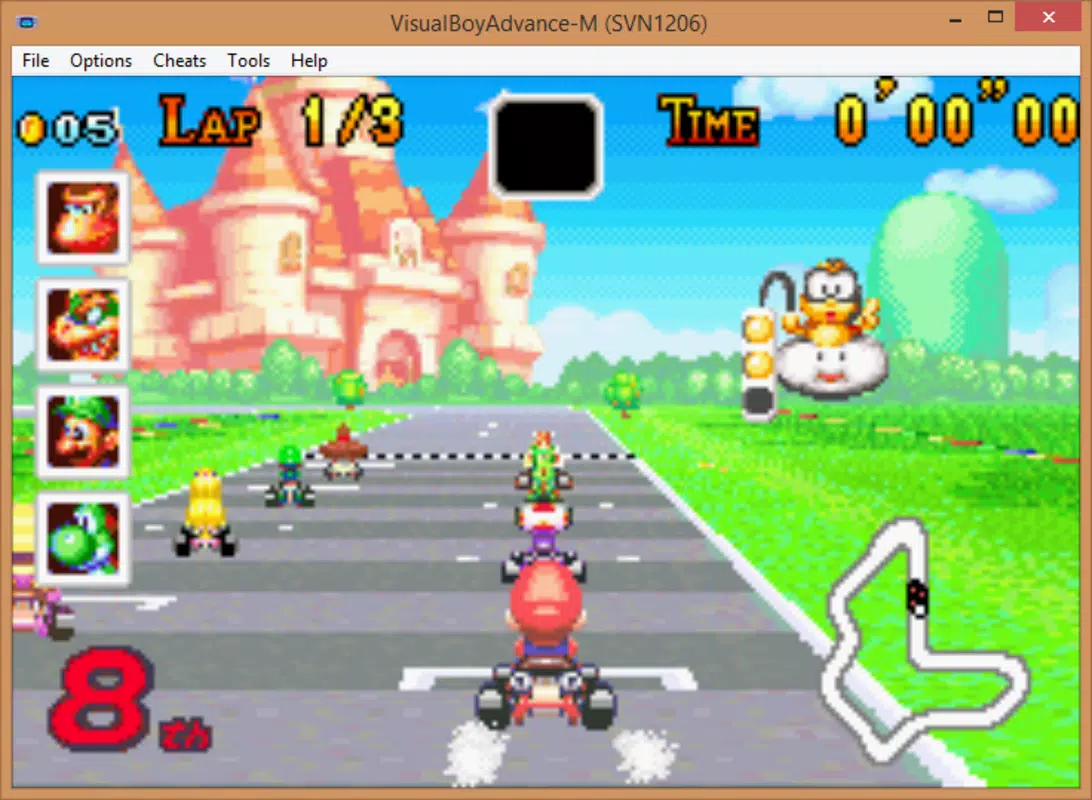
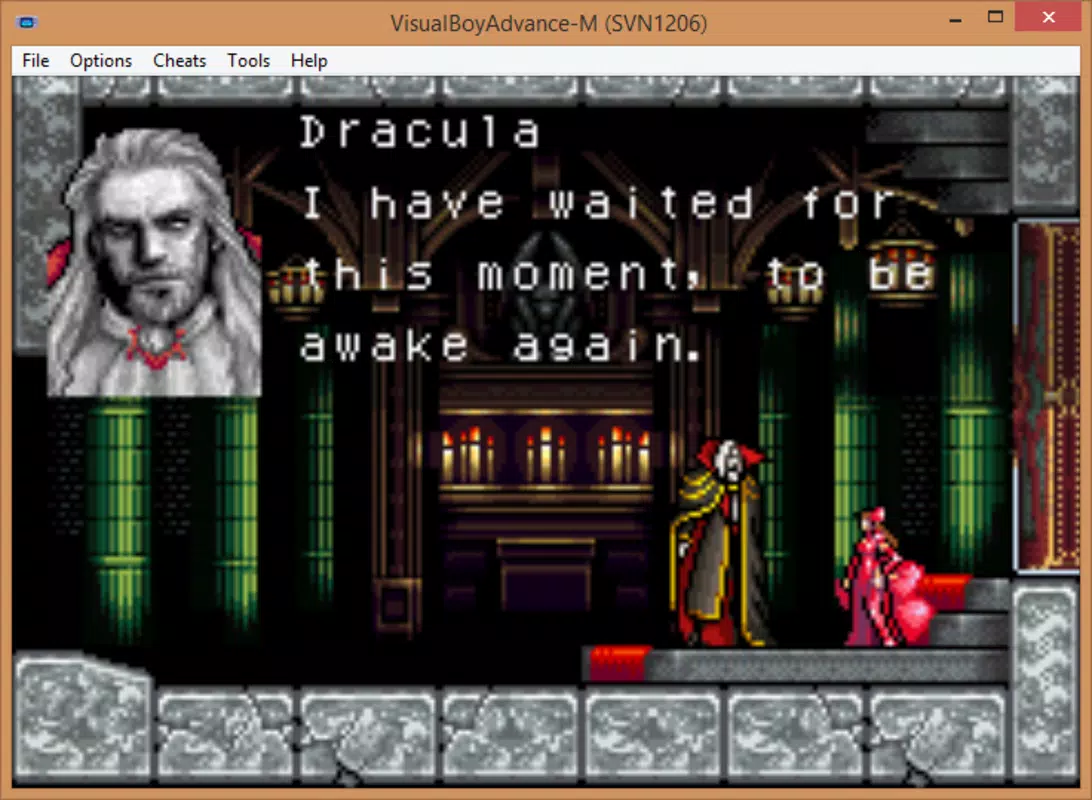
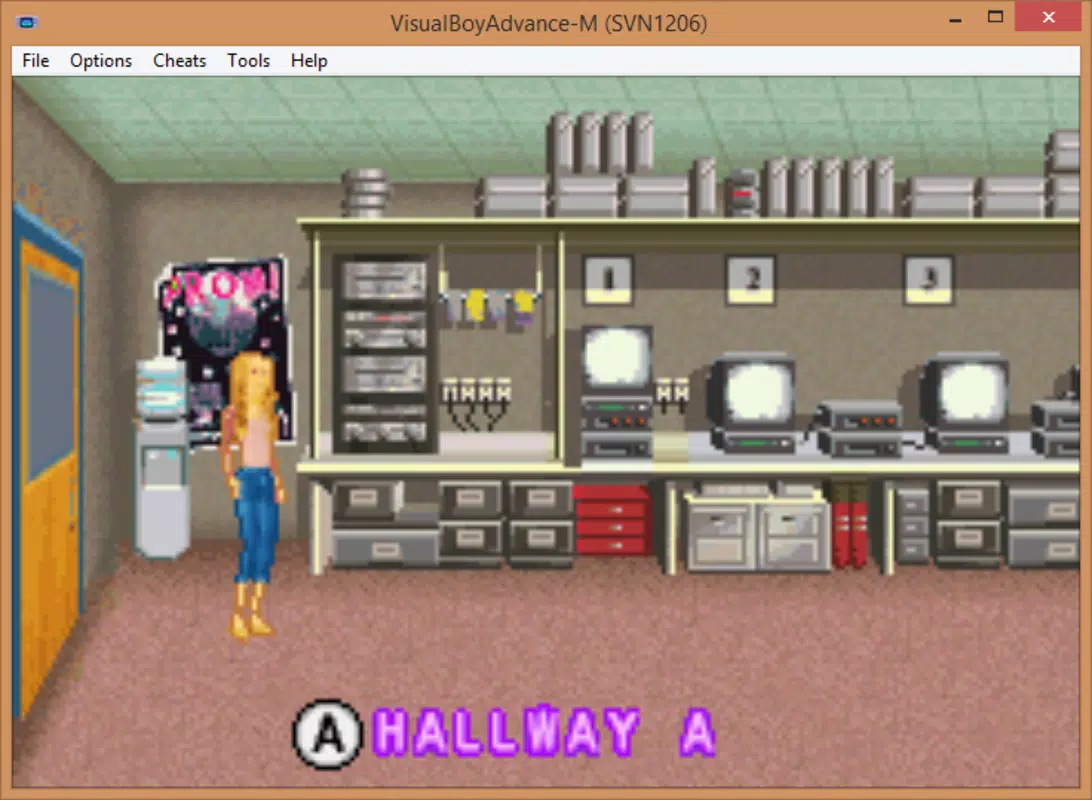
The user interface of VisualBoyAdvance is straightforward and functional, reflecting its development era. The layout consists of a main window displaying the game screen, with menus and settings accessible via a traditional toolbar. Navigation is intuitive, relying on standard file dialogs for loading ROMs and configuration panels for adjusting emulation settings.
The visual style is minimalistic, prioritizing usability over aesthetic polish. While modern design trends have moved toward responsive and dynamic interfaces, VBA-M maintains a classic desktop appearance that appeals to users familiar with older software. The emulator demonstrates consistent responsiveness across different device categories, though specific performance benchmarks were not provided.
Stability is generally high, with few reports of crashes or freezes during gameplay. The lightweight file size of 2.3 MB suggests efficient memory usage, which contributes to smooth operation on older or low-spec systems. Although the developer did not list formal performance metrics, the emulator’s continued use indicates reliable functionality.
Users can expect stable frame rates and minimal lag when running compatible ROMs. The lack of modern UI animations or touch-based interactions is expected given the app’s age and target platform. Overall, the UX prioritizes speed and simplicity over visual flair, making it ideal for users focused on gameplay rather than interface polish.
Platform Compatibility & Technical Requirements
VisualBoyAdvance (VBA-M) is designed exclusively for Windows, making it accessible to users on the most widely used desktop operating system. The current version, 1.8.1, is compatible with Windows systems that support legacy applications, though the developer did not specify minimum OS requirements. The application’s file size is 2.3 MB, indicating a lightweight footprint that does not strain system resources.
This small size contributes to fast download and installation times, ideal for users with limited storage or slower internet connections. For users on Mac OS X or Linux, the emulator is not directly available. Instead, the developer recommends using RetroArch, a multi-emulator frontend that includes the VBA-M core.
This workaround allows cross-platform access but requires additional setup. The developer did not provide information on specific hardware requirements or compatibility with newer Windows versions. However, the emulator’s long-standing presence suggests compatibility with a broad range of Windows installations, including older systems.
Users should ensure their system supports executable files and has the necessary permissions to run emulators. The lack of official mobile or web versions limits accessibility to desktop environments only.
Pros and Cons
Pros
- Free to download and use, with no in-app purchases or hidden fees.
- Lightweight file size of 2.3 MB, ensuring fast installation and minimal system impact.
- Supports a wide range of Game Boy Advance ROM files, enabling access to a large library of classic games.
- Offers save states for flexible gameplay and progress management.
- Compatible with RetroArch for Mac OS X and Linux users, extending platform reach.
- Stable performance with minimal crashes reported during typical use.
Cons
- Only available for Windows; no native support for mobile or web platforms.
- Development has not seen active updates since 2009, raising concerns about long-term compatibility.
- Interface lacks modern design elements, which may feel outdated to new users.
- Does not include built-in ROMs or game library; users must provide their own ROM files.
- Specific system requirements were not disclosed by the developer.
FAQ
Is VisualBoyAdvance safe to download and use?
Yes, the official VBA-M executable is considered safe when downloaded from trusted sources. However, users should ensure they are obtaining the file from reputable websites to avoid malware.
Can I play Game Boy Advance games on my smartphone with VBA-M?
No, VBA-M is designed only for Windows. For mobile devices, users would need alternative emulators or platforms like RetroArch with mobile support.
Do I need ROM files to use VisualBoyAdvance?
Yes, the emulator does not include any games. Users must have legally obtained ROM files to play games.
Is VBA-M compatible with Windows 10 and Windows 11?
While the developer did not specify compatibility details, the emulator has been used successfully on various Windows versions, including newer ones, due to its lightweight and legacy-friendly design.
How do I update VisualBoyAdvance?
As development ceased in 2009, there are no official updates. Users should rely on community-maintained versions or use RetroArch for more up-to-date emulation solutions.
Final Thoughts
VisualBoyAdvance (VBA-M) remains a respected and functional tool for retro gaming enthusiasts seeking to play Game Boy Advance titles on Windows. Its lightweight design, stable performance, and support for save states make it a reliable choice for classic game preservation. While its age is evident in the interface and lack of updates, the emulator continues to serve its core purpose effectively.
Users who value simplicity, speed, and access to a vast library of retro games will find significant value in this tool. The integration with RetroArch also extends its usability beyond Windows, offering a bridge for users on other platforms. For those looking to relive the golden era of handheld gaming, VBA-M delivers a nostalgic and authentic experience.
Download Visualboy Advance now to bring your favorite Game Boy Advance games to life on your desktop.


